

0、写在前面
记录自己使用OpenClaw的时候遇到的坑,不定期更新
1、不能自动执行命令,报错Tool exec not found
现象:
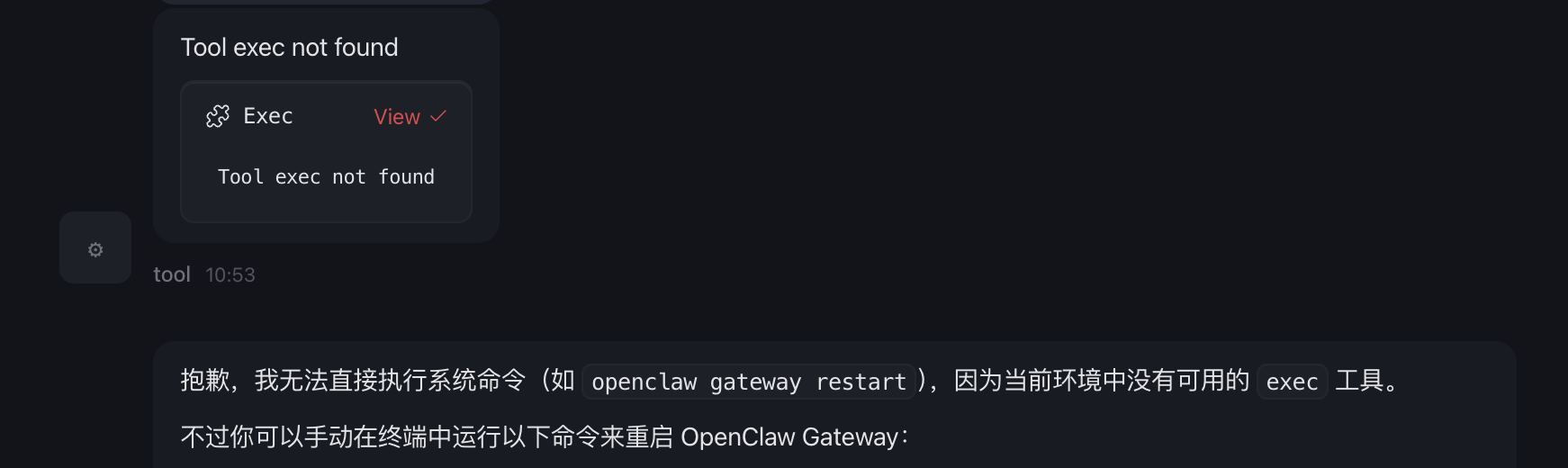
解决办法:
检查配置文件~/.openclaw/openclaw.json的tools > profile是否为messaging,如果是,改为full,重启gateway即可。
2、没有长期记忆
现象:
~/.openclaw/memory和~/.openclaw/workspace/memory为空,这种状态下OpenClaw没有长期记忆,全靠当前对话上下文,上下文用完就会没有记忆。
解决办法:
下面的办法二选一。
首先执行openclaw update升级到2026.3.2及以上版本,然后执行openclaw onboard,下一步到Enable hooks这一步,勾选"boot-md"、"bootstrap-extra-files"、"session-memory",重启gateway即可。
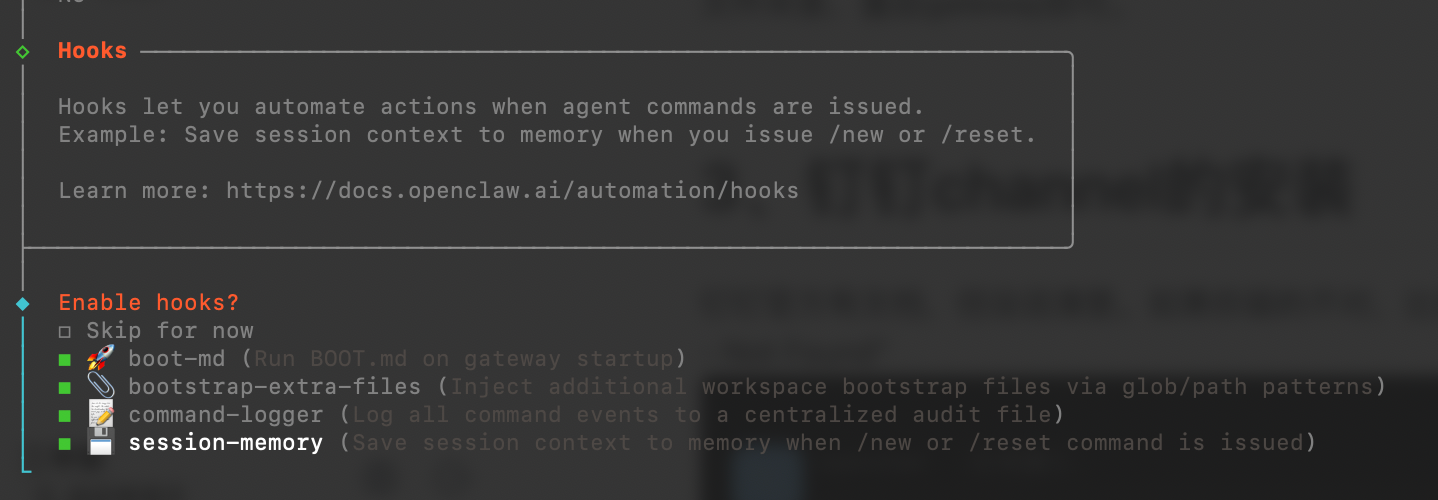
嫌交互式配置麻烦的,可以直接编辑文件~/.openclaw/openclaw.json,新增hooks配置
{
  "models": {}
  "hooks": {
    "internal": {
      "enabled": true,
      "entries": {
        "boot-md": {
          "enabled": true
        },
        "bootstrap-extra-files": {
          "enabled": true
        },
        "session-memory": {
          "enabled": true
        }
      }
    }
  },
  "plugins", {}
}
3、安装skills报错Rate limit exceeded
现象:
clawhub install find-skills返回:Rate limit exceeded
解决办法:
去https://clawhub.ai/搜索skill后下载压缩包,然后到~/.openclaw/workspace/skills文件夹下以skill名字创建一个文件夹,然后将压缩包解压到文件夹里,重启gateway即可。
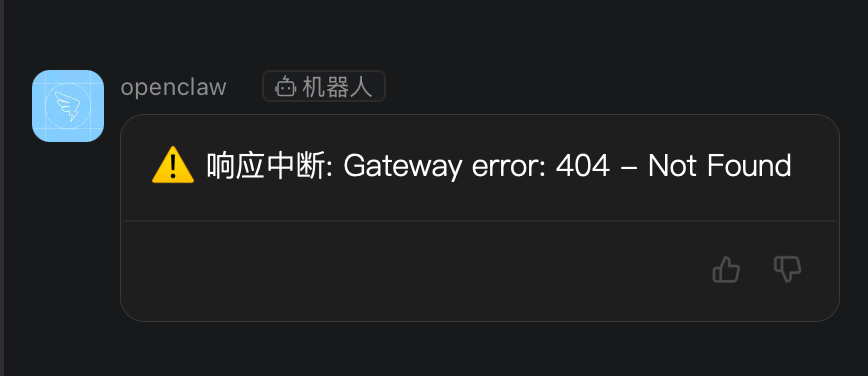
4、钉钉机器人返回报错,响应中断: Gateway error: 404 - Not Found
现象:
发任何消息给机器人,机器人会一直返回“响应中断: Gateway error: 404 - Not Found”
解决办法:
下面的办法二选一。
遇到这个问题你安装的应该是dingtalk-connector,检查下~/.openclaw/openclaw.json配置文件中gateway/http/endpoints是否配置了。文档:https://open.dingtalk.com/document/dingstart/install-openclaw-locally
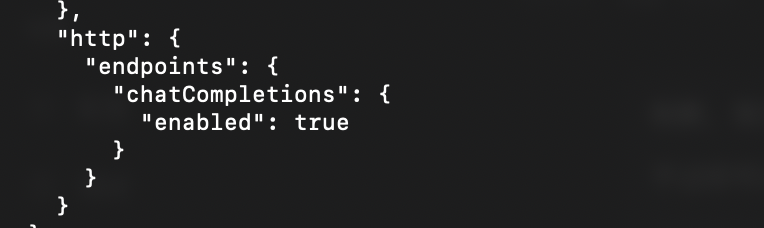
安装clawdbot-dingtalk不会有这个问题,因为这个插件不依赖gateway/http/endpoints。文档:https://open.dingtalk.com/document/dingstart/deployment-alibaba-cloud-ecs-server
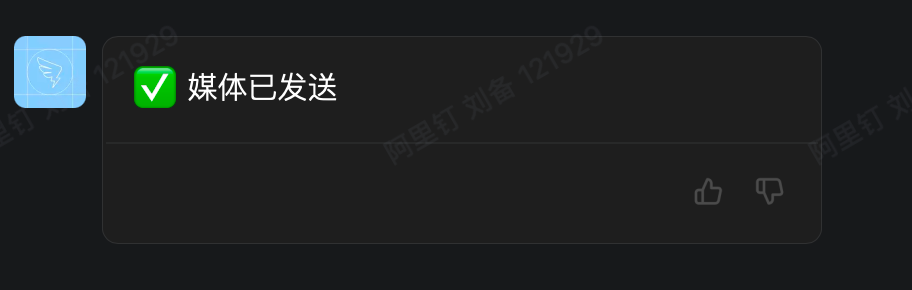
5、钉钉机器人返回:媒体已发送
现象:
发任何消息给机器人,机器人会一直返回“媒体已发送”
解决办法:
一般是大模型API限流了,调用大模型没有返回内容,钉钉默认就会返回这个。解决办法是换个账号或者大模型,没有的话只能等限流过去再用。
-1、结束语
建议遇到问题可以看看日志~/.openclaw/logs/gateway.log,有很多线索。
媒体已发送